Spaced repetition
Cards return at the moment your brain is about to forget — not before, not after. Less time studying. More retained.
AI turns your notes into flashcards — then brings each one back the moment you're about to forget it.
Study less. Remember for real.
Free on iPhone & iPad. Or watch the 15-second demo first.
The science
The forgetting curve — Ebbinghaus (1885). The spacing effect — Cepeda et al. (2006). FlashLeap schedules each review right before the drop.
Why FlashLeap
Cards return at the moment your brain is about to forget — not before, not after. Less time studying. More retained.
Paste a chapter, lecture, or topic. Get a deck of high-quality cards in seconds. Edit anything. Save what you like.
Drop in photos, scan textbook pages with OCR, record voice notes, or sketch with Apple Pencil. Memory loves vivid.
Sick day? Travel? Hearts and streak-saver ads keep your momentum alive when life gets in the way.
Per-deck accuracy, study time, retention curves. See where you're guessing — and where you've actually learned.
Start on iPhone, finish on iPad. Your decks, hearts, and progress follow you. No fiddling, no merge prompts.
How it works
Paste lecture notes, type a topic, snap a photo, or write cards by hand. FlashLeap accepts whatever you've got.
Our model turns raw text into clean question/answer pairs at the difficulty you want. You stay in control — edit any card before saving.
Open the app, hit start. The spaced-repetition engine shows you exactly the cards you need today — no more, no less.
Preview
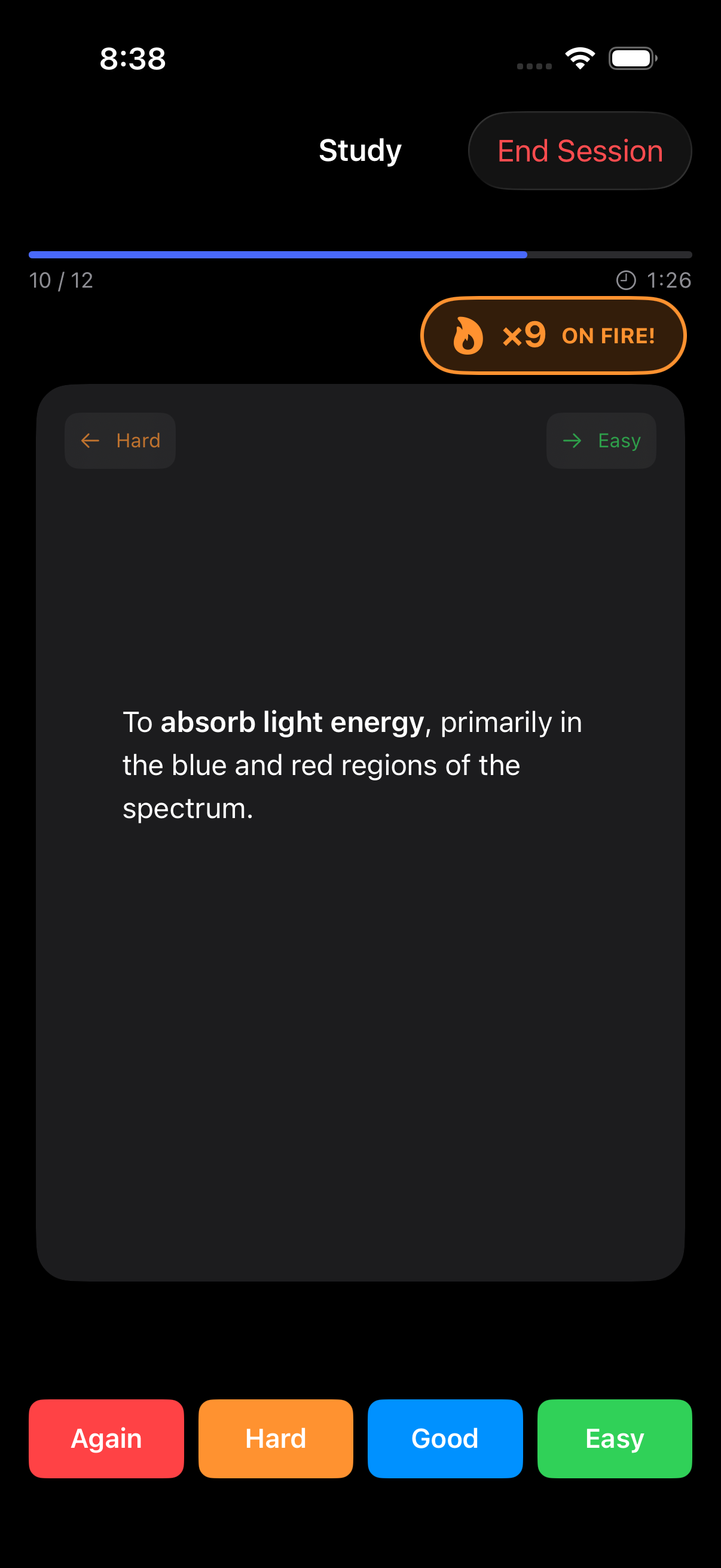
Quiet UI, large readable cards, instant haptic feedback.
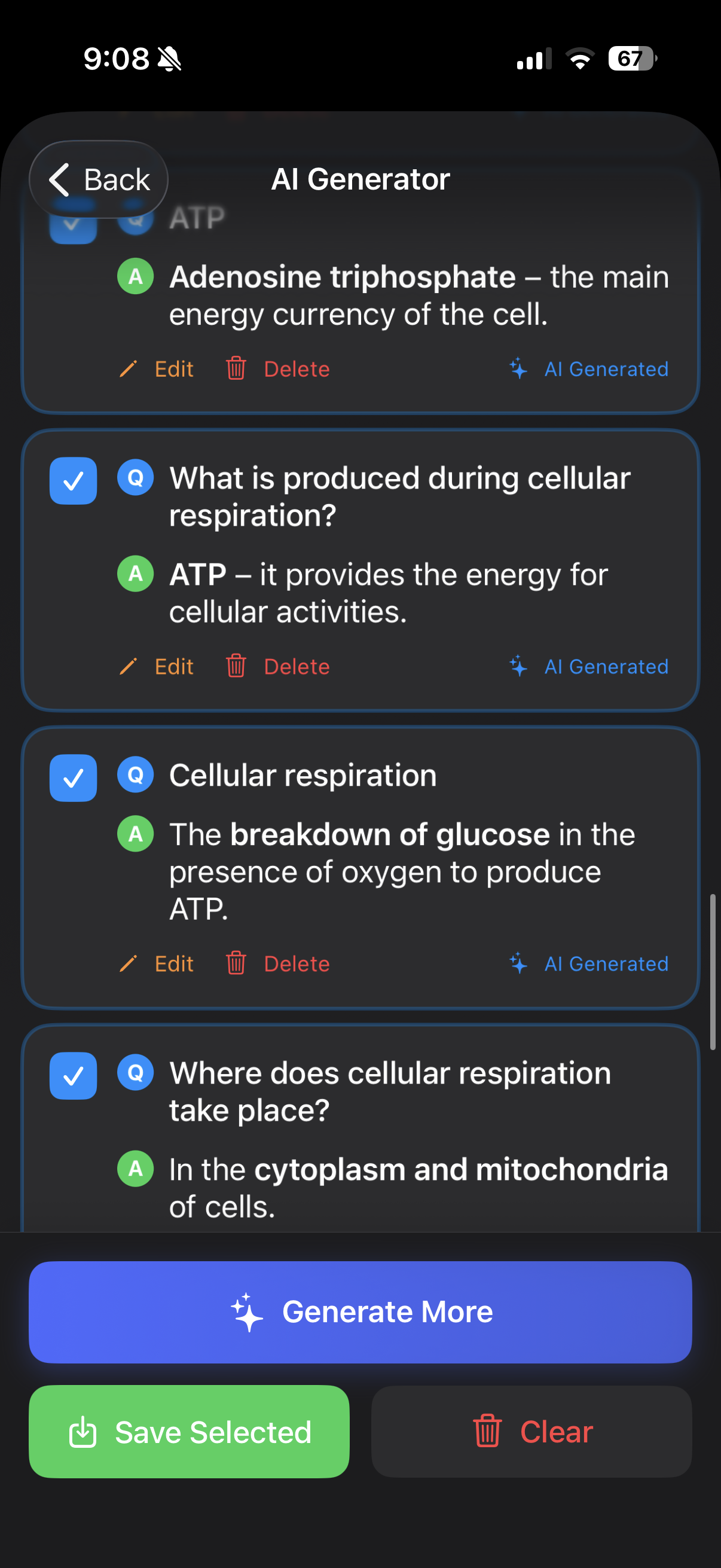
Paste anything. Get a polished deck in seconds.
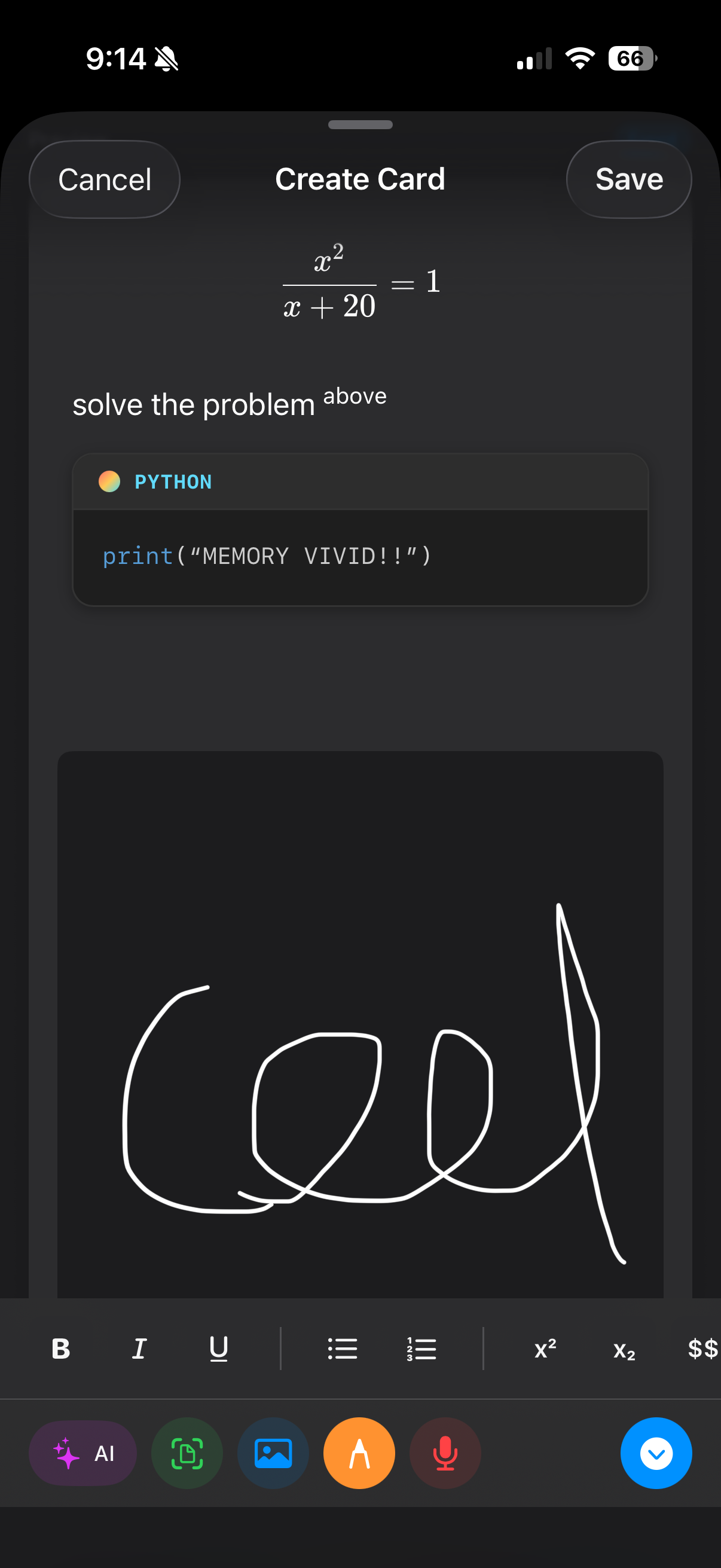
Math, code blocks, drawings and audio — capture any kind of card.
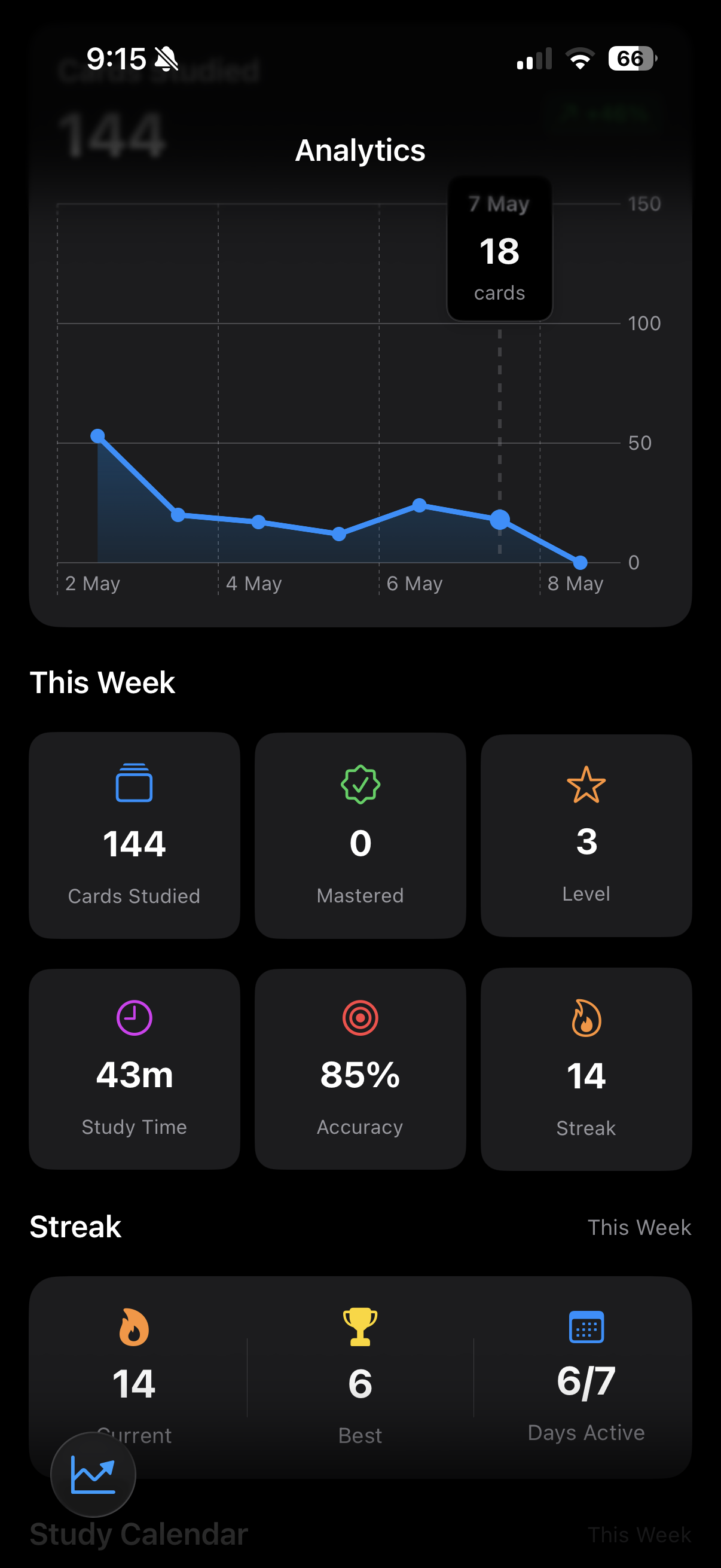
Honest numbers about what you actually remember.
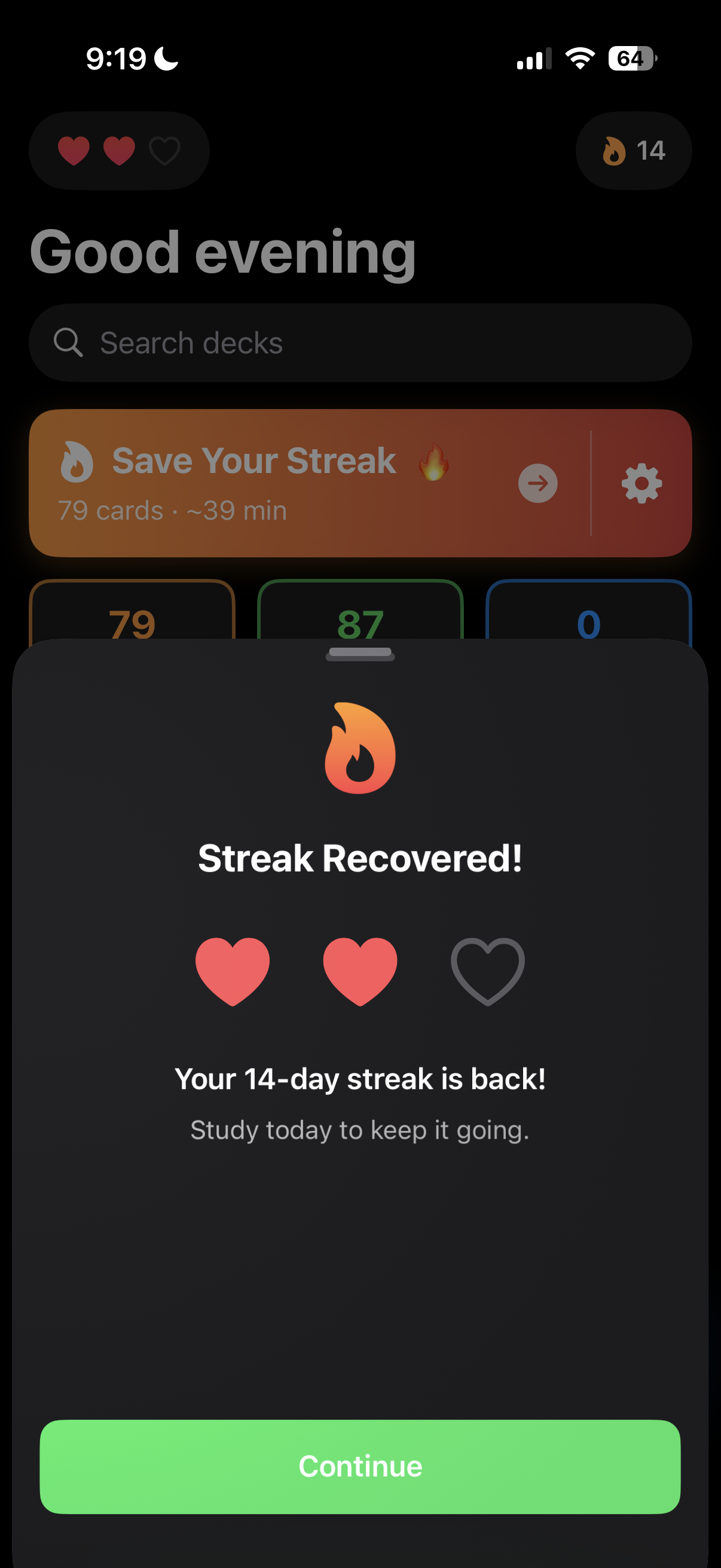
Daily momentum — with a second chance when life gets busy.
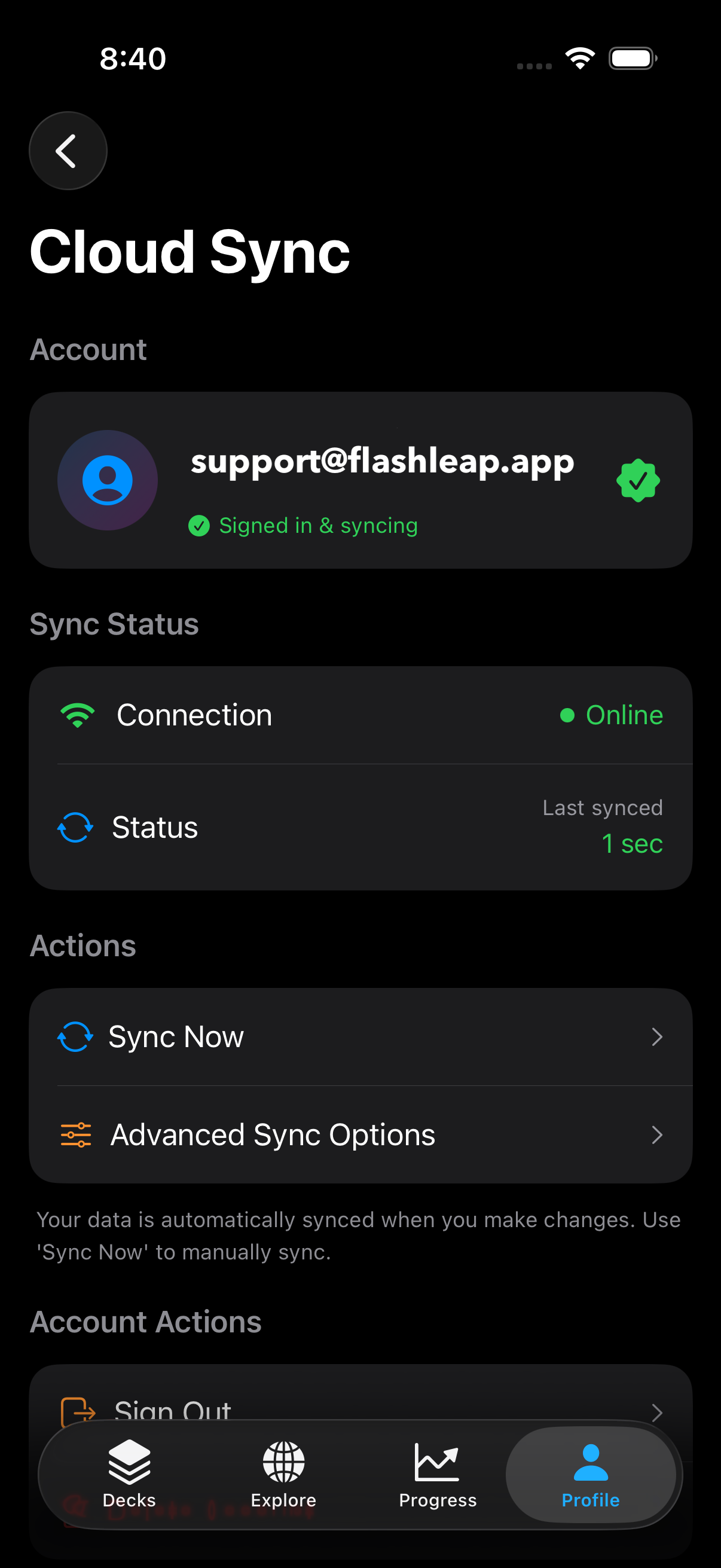
Your decks, safe and synced across every device.
FAQ
Yes. The core app — making cards and studying with spaced repetition — is free. A Pro subscription unlocks deeper features like much higher AI generation limits (100 per month, plus optional pack purchases for more), advanced study modes, and full analytics history.
FlashLeap launches on iPhone and iPad. Mac and web are on the roadmap.
Paste your notes, a chapter, or any topic. Our model returns a clean deck of question/answer pairs at the difficulty you choose. Generation runs on a secure server — your text isn't stored after the request finishes.
Anki and Quizlet imports are coming after launch. For now, you can create cards manually or generate them with AI.
No. The whole app works offline as a guest. An account is only needed if you want to sync across devices or back up to the cloud.
In the app: Settings → Account → Delete Account. Your account is recoverable for 90 days, then permanently deleted along with all cloud data.
Subscriptions are managed by Apple. iOS Settings → your name → Subscriptions → FlashLeap → Cancel. Pro features stay active until the end of the current billing period.